Opening an OnlyFans takes about ten minutes. Getting it approved, set up and ready to make money takes about a week. And here in Latin America, the thing that slows most girls down has nothing to do with content.
It's proving where you live.
So I'm going to walk you through the whole thing, in order: what to have ready before you sign up, how to get verified without getting stuck, how to set up your page, and what to have shot before you ever go live.
Step 1: Get Everything Ready Before You Sign Up
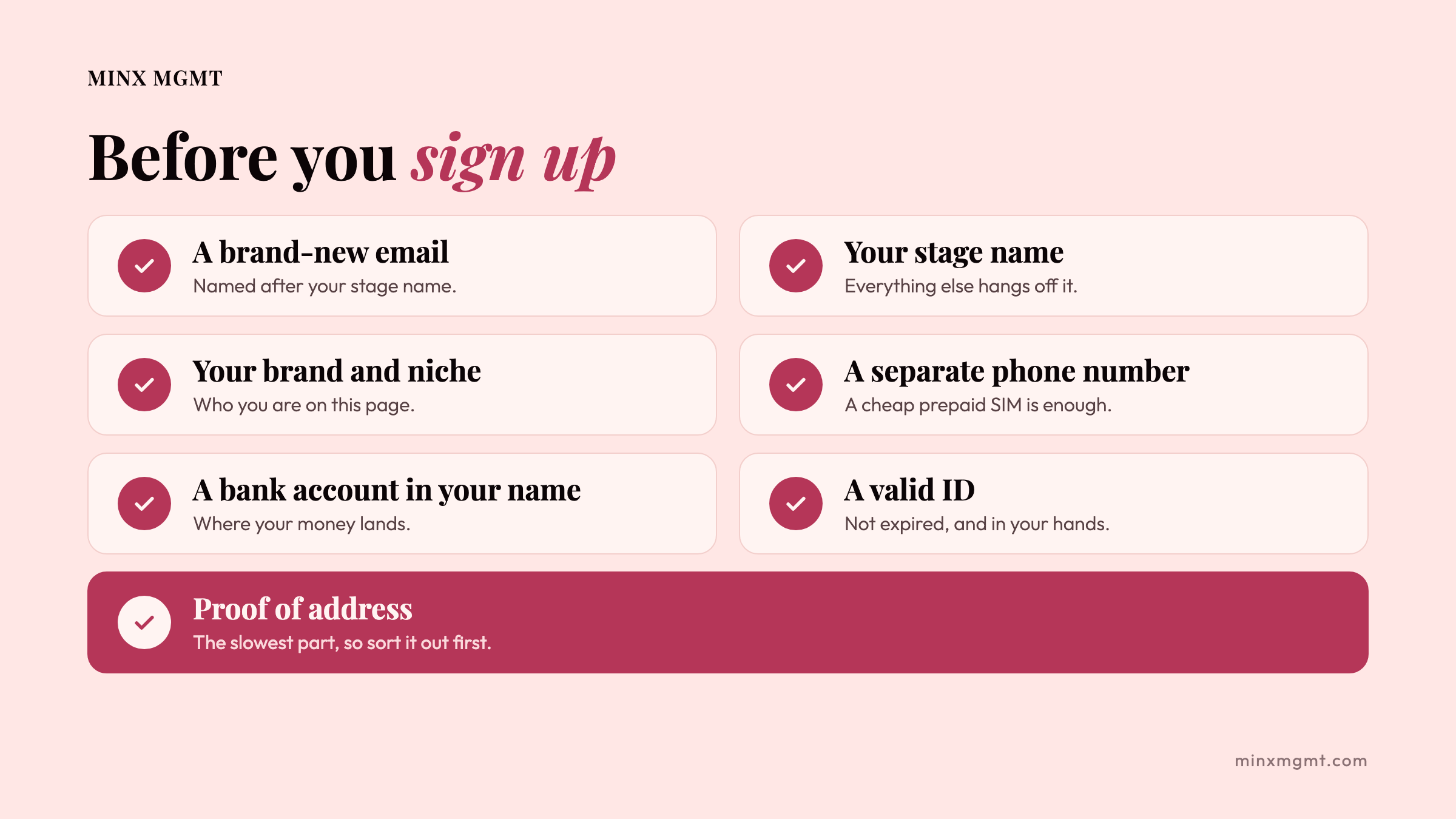
Do this part first and the rest goes fast. Here's your list:
- A brand-new email. Never your personal one. Name it after your stage name, and keep your passwords in a password manager.
- Your stage name. Pick it before anything else, because your email, your username and your socials all hang off it. I wrote a whole article on how to pick your stage name if you want help with that.
- Your brand and your niche. Know who you are on this page before you open it, because it decides what you post every week. If you haven't done this yet, start with what I wish I knew before launching my OnlyFans.
- A separate phone number. A cheap prepaid SIM is enough. It's what you'll use to verify your new social media accounts, like YouTube, Instagram and Facebook. Keep your personal number out of this, unless you don't mind your friends and family showing up in your "recommended followers" list.
- A bank account in your own name. That's where your money lands. I explain your options in how to get paid from Latin America.
- A valid ID. Your passport, cédula or driver's licence. Not expired, and in your hands. You may be asked for a live photo of you holding your ID next to your face, with today's date written on a note.
- Proof of address. This is the big one, so it gets its own section.
The Step Nobody Warns You About: Proving Where You Live
To earn and withdraw your money through payment services like Paxum or Skrill, you have to prove where you live. OnlyFans itself rarely asks, but these services do, and so does any agency you work with later, because their payment partners run strict identity checks. You only have to do it once, so get it sorted early. And this is exactly where most of us in Latin America get stuck.
A lot of our banks don't print your address and your full legal name on your statements. And a lot of us don't have a single bill in our name. Maybe you live with your family, your partner pays the bills, or you rent a room. Totally normal. It just means you have to fix it before you start.
What counts:
- An internet bill in your name
- An electricity or water bill in your name
- A rental agreement with your name on it
- A notarized affidavit (a sworn statement of where you live) from a local government office or police station
What doesn't count: your phone bill. A plan with Claro, Tigo or Movistar won't work.
When we start with a new creator, this is the step that takes us the longest. So if you don't have one of these yet, sort it out first, before you shoot a single photo.
Step 2: Sign Up and Get Verified
Once you have everything, signing up is the easy part:
- Create a normal account on OnlyFans with your new email.
- In your settings, choose "Become a creator" and pick your country.
- Add your payout details (your bank account).
- Enter your personal details exactly as they appear on your ID.
- Upload a photo of your ID and a selfie of you holding it next to your face.
- Add your social media accounts, and make sure they're public.
- Fill in your tax form. If you live outside the US, that's the W-8BEN, which I explain in how to get paid from Latin America.
Then you wait. It usually takes one to three days. If you haven't heard anything after five business days, write to support instead of sending everything again.
How Not to Get Rejected
- Your name has to match everywhere: your ID, your OnlyFans account and your bank account. If you have two surnames, type both, exactly as they are on your ID, and use a bank account in that same full name.
- Take clear photos. Daylight, no flash, no glare, all four corners of your ID in the frame, and no fingers covering it.
- No filters, sunglasses or hats in your selfie.
- Turn off your VPN (if you use one) before you submit.
Honestly, you can fix all of that the same day. What really delays girls is the bureaucracy: no proof of address, or a lost passport or cédula/DNI. Getting a new ID or a notarized document can take weeks. So check your ID today, not the day you want to launch.
Do You Have to Show Your Face?
To get verified, yes. OnlyFans has to see your face to match it with your ID, but that stays private. On your page, no. You don't have to show your face on your feed or in your pay-per-view messages.
Can a faceless page work? It can. But it's a much harder path, and you'll leave a lot of money on the table. You have to think differently about your marketing and get a lot more creative. At MINX, we only take on a faceless creator if she has a truly one-of-a-kind talent. I'll write a whole article about faceless pages soon.
Step 3: Set Up Your Page on Day One
Day one is for the basics:
- Your username. Secure the right one, ideally your stage name.
- Your profile photo. Good light, no heavy filters. If you show your face, this is where it counts most.
- Your banner. A full-body or lifestyle shot, not a cropped selfie.
- Your bio. Personal and in your own words, not a copy of your Instagram bio.
- Your price. I break down how to price your subscription in how OnlyFans revenue actually works.
- A simple welcome message for every new fan.
There's an art to getting your photo, banner and bio right, and it deserves an article of its own. I'll write it soon, so subscribe to our newsletter if you don't want to miss it.
Step 4: Lock Down Your Privacy
Before you go live, decide who should never see your page. OnlyFans lets you block whole countries (Settings > Privacy and safety > IP and Geo Blocking). Some girls block their own country so nobody they know can find them. Some don't care at all. It's your call, and there's no wrong answer.
Two more things worth knowing: someone using a VPN can get around a block, and Google may still list your page. So blocking helps a lot, but your stage name and your separate email and phone number are what really protect you.
At MINX, we also use link-in-bio technology that sends visitors to a different page depending on which country they're in. It's another layer of protection, but a good VPN or proxy can fool it too.
Turn on watermarks too (Settings > Privacy and Safety > Watermarks), so your name is on every photo and video if anyone steals them.
And if you run two pages, a free one and a VIP one, you can block differently on each. We keep the free page open to (almost) everyone, and on the VIP page we block the countries where fans rarely pay and chargebacks are common.
Step 5: Build Your Catalogue Before You Go Live
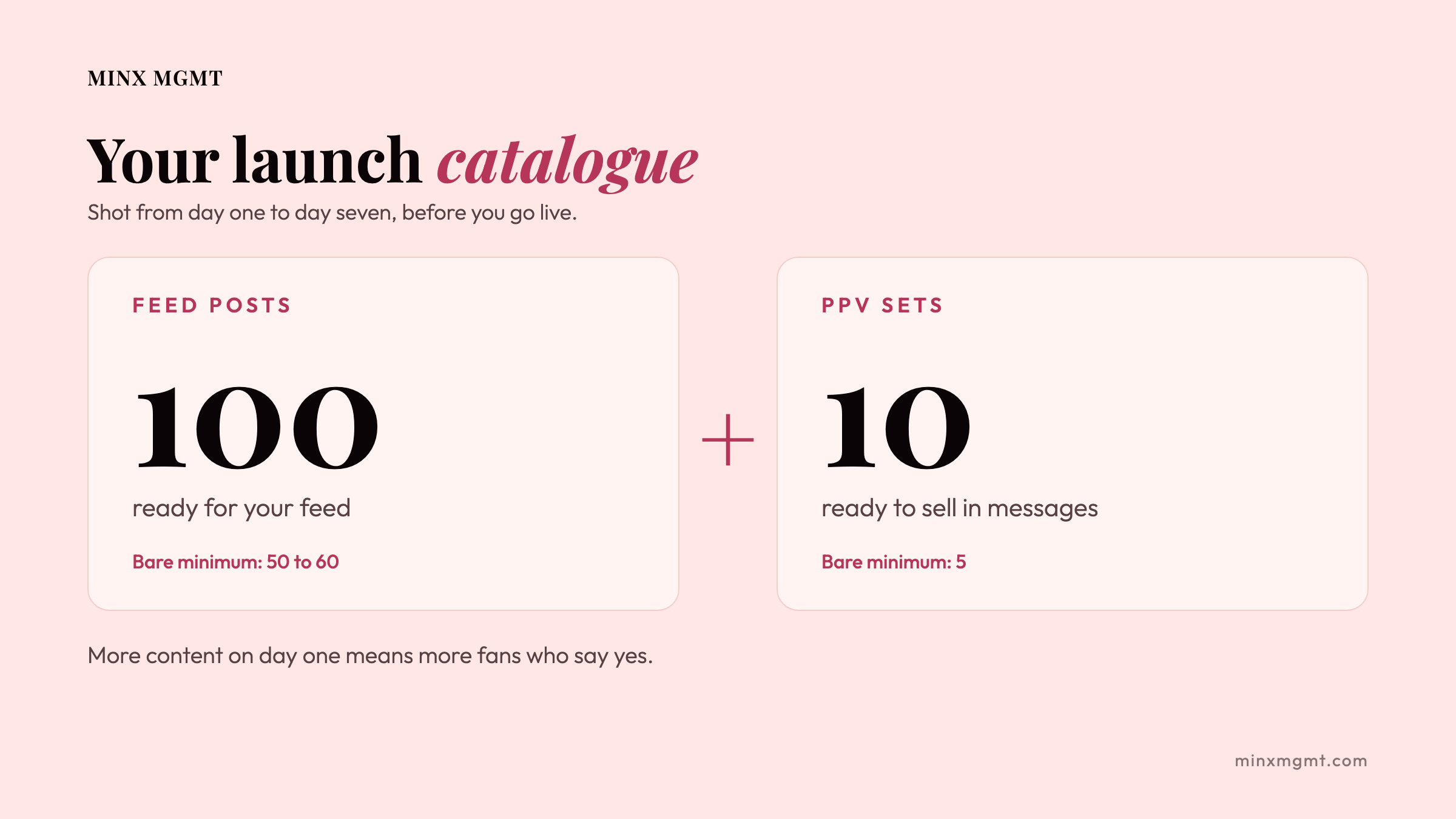
From day one to day seven, your only job is to shoot. Before you take your page live, you want:
- 100 posts ready for your feed
- 10 pay-per-view (PPV) sets ready to sell in messages
Why 100? Think about a fan landing on your page for the first time. If he sees 20 or 30 posts and you're charging $5, $10 or even $20 a month, it feels thin. If he sees 100, he gets a lot more for every dollar, so he's far more likely to subscribe. More content on day one means more fans who say yes.
It's a lot of work, I know. But it pays for itself, because now you have a product catalogue ready for whatever a fan asks for, instead of scrambling to shoot something every time someone messages you.
In a hurry, because you want to catch a trend or hit a date? The bare minimum is 50 to 60 feed posts and 5 PPVs. It's not ideal, but it works.
The 3 Mistakes I See Most
- Showing too much on the feed. Our rule: nothing fully nude on your feed, ever. Your feed is your shop window, and the daily reminder that you exist every time a fan doom-scrolls through his OnlyFans feed. The full thing is what fans pay for in messages.
- Selling too cheap. Out of fear of missing a sale, girls underprice their PPVs. Don't. Your content is worth more than you think.
- Being too nice. When someone is rude or unreasonable with you, you're allowed to bite back. You're a person. Have some dignity, and respect your time and your energy.
The Short Version
- Get your email, stage name, brand, phone number, bank account and ID ready.
- Sort out your proof of address first. It's the slowest part.
- Sign up with your name exactly as it is on your ID.
- On day one, set up your username, photos, bio, price and welcome message.
- Block the countries you want out, and turn on watermarks.
- Shoot 100 feed posts and 10 PPVs before you go live.
- Nothing fully nude on your feed, don't sell too cheap, and don't let rude and disrespectful subs have any control over you.
Opening your page is just the start. If you'd rather not do all of this alone, that's exactly what we do at MINX. Reach out using the form, and I'll be in touch if I think we're a good fit. And subscribe to our newsletter so you don't miss the next one.
Besos!
Mari Minx